Components that
make you stand out.
React components, animations, and effects. Preview them, make them yours, and bring them into your next project.
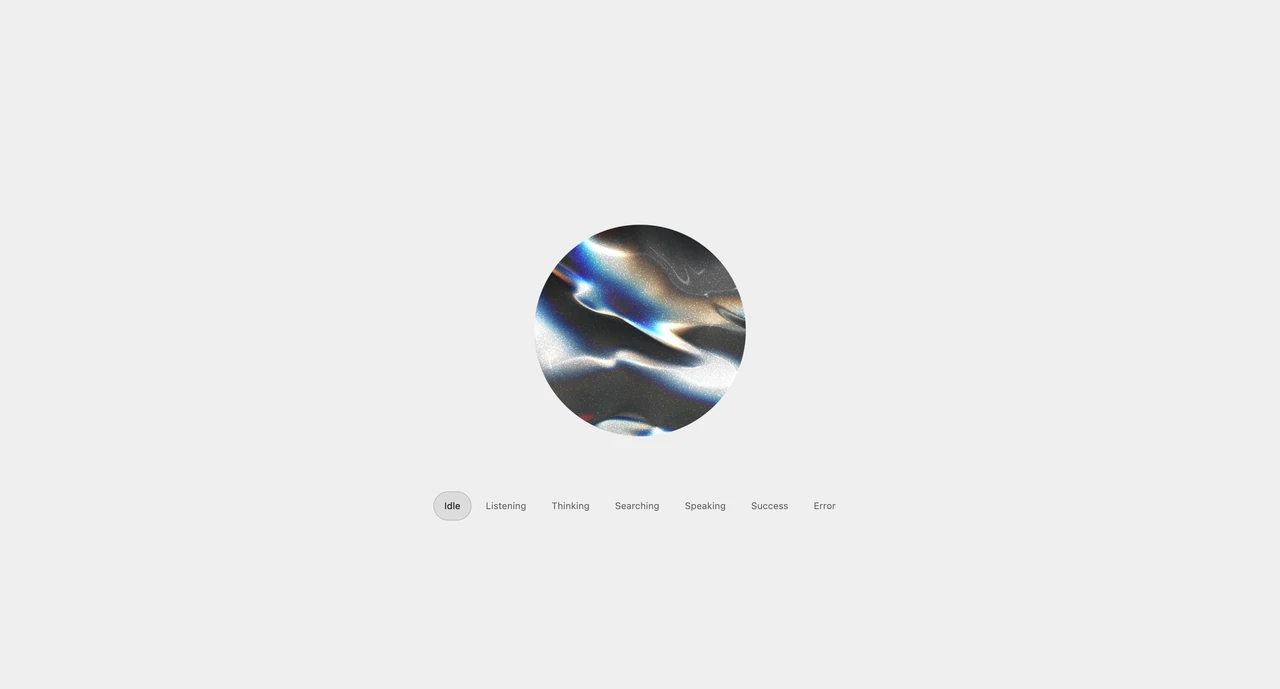
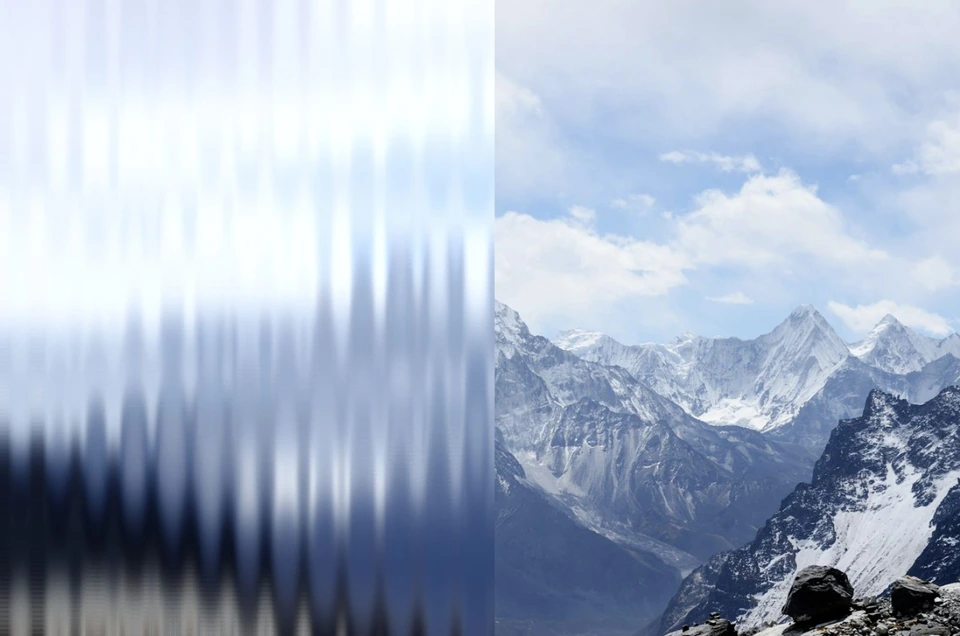
Soap film interface components: buttons, icon buttons, a search field, a menu, switches and sliders that refract and mirror what is behind them like liquid glass, with swirling thin-film colors you can tune from bubble to glass.
| Property | Type | Default | Description |
|---|---|---|---|
SoapBubbleMaterial | component | — | Shares material props and the backdrop with every soap bubble component inside it. Components still take their own props, which win. |
SoapBubbleSurface | component | — | Panels, bars and cards. as picks the element (div, nav, section, header, footer, aside, button); radius sets the corners; interactive turns on the wobble. |
SoapBubbleButton | component | — | A pill button sized by its content. It swells while pressed. |
SoapBubbleIconButton | component | — | A round button for one icon; aria-label is required. It swells while pressed. Give it a tint for a coloured action. |
SoapBubbleSearch | component | — | A search input in a bubble pill with a magnifier that wobbles gently under the pointer. Takes every input prop; placeholder doubles as its accessible name. |
SoapBubbleToggle | component | — | role="switch". checked, defaultChecked, onCheckedChange, color (track when on) and scale. A pill-shaped bubble lens magnifies the track at rest and swells over it while pressed or moving. |
SoapBubbleSlider | component | — | A native range input underneath. value, defaultValue, min, max, step, onValueChange, from and to (fill gradient), label and scale. The thumb swells while dragged. |
SoapBubbleMenu | component | — | role="menu" with arrow keys and Escape. label, triggerLabel, round, items ({ label, onSelect, icon, disabled }) and align. The trigger swells into the panel with a springy bounce, the actions come into focus inside it, and closing draws it back into the button. The active item is shaded inside the panel. |
radius | number | 9999 | Corner radius of the shape, in pixels at a 16 px font; it grows with the text. Large values give fully round ends. The film bulges in as far as this radius, so panels get a soft pillow edge and circles stay spheres. |
bevel | number | 24 | Width of the refracting edge as Liquid glass rises, in pixels at a 16 px font. It grows with the component's text so larger controls keep their proportions. |
iridescence | number | 1 | Strength of the oily interference colors. At 0 the film reflects without color, 1 is physical soap film and higher values saturate the bands. |
filmScale | number | 1 | Size of the oil's color bands and swirls. Larger values give broad, calm bands; smaller values break the film into fine, busy patches. |
oilOpacity | number | 1 | Opacity of the iridescent oil, independent of Tint opacity. At 0 the oil colors disappear; at 1 the spectral bands stay visible even over an opaque Tint. Oil coverage and Clear centre still define where the oil appears. |
oilCoverage | number | 1 | How much of the film shows oil colors. At 1 the whole film is iridescent; lower values leave clear film between oil slicks, whose size follows Oil size. |
oilEdge | number | 0 | On large components such as panels, bars and menus, how far in from the rim the oil reaches, in pixels at a 16 px font. Their middle stays clear; small buttons keep oil all over. 0 shows oil everywhere. |
oilEdgeFade | number | 1 | How strongly large components clear the oil from their middle. At 0 nothing fades, at 1 the middle is clear glass, and above 1 the oil band along the rim narrows too: 2 is half as wide, 3 a third. |
clearCenter | number | 0 | Clear oil and reflected haze from the centre of every component, including small buttons, switches and sliders. At 1 the middle is transparent while the rim keeps its oil colours; at 0 the material is unchanged. Works even with Oil edge at 0 and scales with the component. |
tint | string | #ffffff00 | Base color of the whole material. Also colors the soap film, darker shades and highlights while their colors are Auto. Opacity sets the strength; transparent restores the untinted look. |
soapColor | string | auto | A gentle color filter for the soap's full multicolor spectrum, including its oily rim. Auto follows Tint; a custom color changes the filter. Opacity sets its strength while retaining the natural rainbow bands; transparent leaves their colors unchanged. |
soapPalette | "natural" | "custom" | natural | Original iridescence keeps the natural multicolor soap spectrum. Color presets load their own six-color spectra into Custom colors, where each hue family stays editable while the same bands and swirls keep moving. |
soapPaletteRed | string | #ff6685 | Custom color for the red and pink bands. Opacity blends it with the original spectral colors. Used only with Custom colors. |
soapPaletteGold | string | #f6d365 | Custom color for the yellow and gold bands. Opacity blends it with the original spectral colors. Used only with Custom colors. |
soapPaletteGreen | string | #83e8a9 | Custom color for the green bands. Opacity blends it with the original spectral colors. Used only with Custom colors. |
soapPaletteCyan | string | #60dce9 | Custom color for the cyan and turquoise bands. Opacity blends it with the original spectral colors. Used only with Custom colors. |
soapPaletteBlue | string | #7799ff | Custom color for the blue bands. Opacity blends it with the original spectral colors. Used only with Custom colors. |
soapPaletteViolet | string | #c084fc | Custom color for the violet and purple bands. Opacity blends it with the original spectral colors. Used only with Custom colors. |
soapShadeColor | string | auto | Color of the darker parts of the film, the inner reflection and the bottom shade when enabled. Auto follows Tint; set a separate color and opacity to customize the shading. |
soapHighlightColor | string | auto | Color of the reflected light, bright bevel and window highlights. Auto follows Tint; a separate color and opacity lets the lights contrast with the soap. Transparent preserves the original lighting colors. |
thickness | number | 520 | Mean thickness of the film. Thin films show golds and magentas, near 0 they turn black, and thick films wash out to pale pinks and greens. |
drainage | number | 0.6 | How far gravity has pulled water to the bottom: a thin cap with horizontal bands over a thicker base. |
swirl | number | 0.65 | Marangoni flow that stirs the film into drifting eddies. |
reflectivity | number | 1.6 | Brightness of everything the film reflects. 1 is soapy water; real bubbles are faint, so the default lifts them slightly. |
mirage | number | 1 | Reflections of the objects around the bubble, wrapped around its rim. Needs a backdrop. |
reach | number | 2.6 | How far around the bubble the mirrored objects come from, in bubble radii. |
refraction | number | 0.08 | Bends the light passing through the bubble like liquid glass. A real film is 0; at 1 the bubble behaves as a ball of water. Needs a backdrop. |
glass | number | 0 | Morphs the soap film into liquid glass. At 0 it is a blown bubble; towards 1 the face flattens, the curvature gathers into a refracting bevel, the film turns into solid glass and the rim catches light. Oil film still tints the glass. |
dispersion | number | 1 | Separation of colors in the light bent by the glass bevel. Takes effect as Liquid glass rises. |
environment | "studio" | "window" | "sky" | "soft" | "auto" | studio | The room the bubbles reflect: dark studio softboxes, a bright window, open sky, soft light for light interfaces, or auto, which picks soft on light pages and studio on dark ones. |
tilt | number | 1 | How far the reflections slide as the pointer moves over the bubble. |
windowLight | boolean | false | Adds the window of the intro bubbles: a thick band with round ends that follows the top-left edge of each shape, and a small spark past its end. It slides as the pointer turns the room and rides the wobble. |
windowStyle | "edge" | "bubble" | edge | Edge runs along each control's top-left edge and on along the top. Bubble is the window as it first was, the intro's bean and round glint, bent to follow each control's real curve. |
windowLength | number | 1 | How far the window runs along the edge or round its arc. 1 is as drawn. |
windowMargin | number | 1 | How far in from the edge the window sits. 1 is as drawn. |
windowBend | number | 0.6 | On long controls, how closely the edge window follows the curve: 0 runs straight, 1 hugs the edge. Round buttons always keep their arc. |
windowWidth | number | 1 | Thickness of the window band alone, without changing its glint. 1 is as drawn. |
windowHead | number | 1 | Thickness of the window's thick left end against the rest of the band, without moving it. 1 is as drawn; lower is a slimmer head. |
windowTail | number | 1 | Thickness of the window's far end: low values draw it to a point, high ones keep it blunt. 1 is as drawn. |
glintShape | "auto" | "dot" | "dash" | "pair" | "none" | auto | The small glint past the window. Auto varies it per bubble on the edge style and keeps the original dot on the bubble style. |
glintSize | number | 1 | Size of the glint. 1 is as drawn. |
glintIntensity | number | 1 | Brightness of the glint. 1 is as drawn; 0 hides it. |
glintDistance | number | 0 | How far past the window the glint sits. 0 is as drawn. |
glintHeight | number | 0 | Moves the glint in towards the middle (positive) or out towards the rim (negative). 0 is as drawn. |
windowSize | number | 1 | How thick the window light and its glint are. 1 is as drawn. |
windowIntensity | number | 1 | How bright the window light and its inner reflection are. 1 is as drawn. |
windowGradient | number | 0.24 | How much the window fades towards its right end. 0 keeps it even along its length; 1 fades it out by its tip. 0.24 is as drawn. |
windowTwin | boolean | true | The window's faint, inverted twin on the far wall at the bottom right, seen through the film. Turn it off to keep only the window at the top. |
windowTwinShape | "mirror" | "arc" | "crescent" | "streak" | "dot" | mirror | Mirror turns both highlights at the top (the window and the long highlight along the top edge) round onto the bottom right, fainter; arc mirrors the window blurred; crescent is a thin line near the rim; streak a short straight one; dot a soft glint. |
keyLight | boolean | true | The reflection of the room's key light (the bright window, the studio softbox or the sun) at the top left. Turn it off to keep only the window light. |
topLength | number | 1 | How far the highlight along the top edge, behind the window, runs. 1 is as drawn; lower is shorter, higher longer. |
topFade | number | 0.4 | How long the light panel overhead lets its highlight along a top edge fade out. 0 ends it crisply; higher values draw it out further and more gently. |
topTail | number | 1 | How the far end of the highlight along the top edge, behind the window, thins to a point (below 1) or stays blunt (above 1). 1 is as drawn. |
bottomShade | boolean | false | Adds a soft band along the whole bottom inside, where the far wall catches the light. It follows the theme: a shadow on light pages, a glow on dark ones. |
bottomShadeColor | string | auto | Colour of the bottom shade. Auto follows the theme (a shadow on light pages, a glow on dark ones); any other colour tints the band, and its opacity sets how strong it is. |
wobble | number | 1 | How much everything jiggles: the film on hover and press, the swell of a pressed button, the bounce of the opening menu and of the switch thumb. 0 holds them all still. |
speed | number | 1 | Rate of the film flow and the drifting inner bubbles. |
seed | number | 7 | Chooses a different film pattern and inner bubble arrangement. |
paused | boolean | false | Hold the current frame. Pointer wobble still plays. |
backdrop | RefObject<HTMLElement> | HTMLElement | null | — | Element behind the bubbles. It is rasterized once for all of them (again whenever it changes) so the film can refract it and mirror nearby objects. Without it the live page shows through undistorted. |
maxDpr | number | 2 | Upper limit for the device pixel ratio of each canvas. |