Components that
make you stand out.
React components, animations, and effects. Preview them, make them yours, and bring them into your next project.
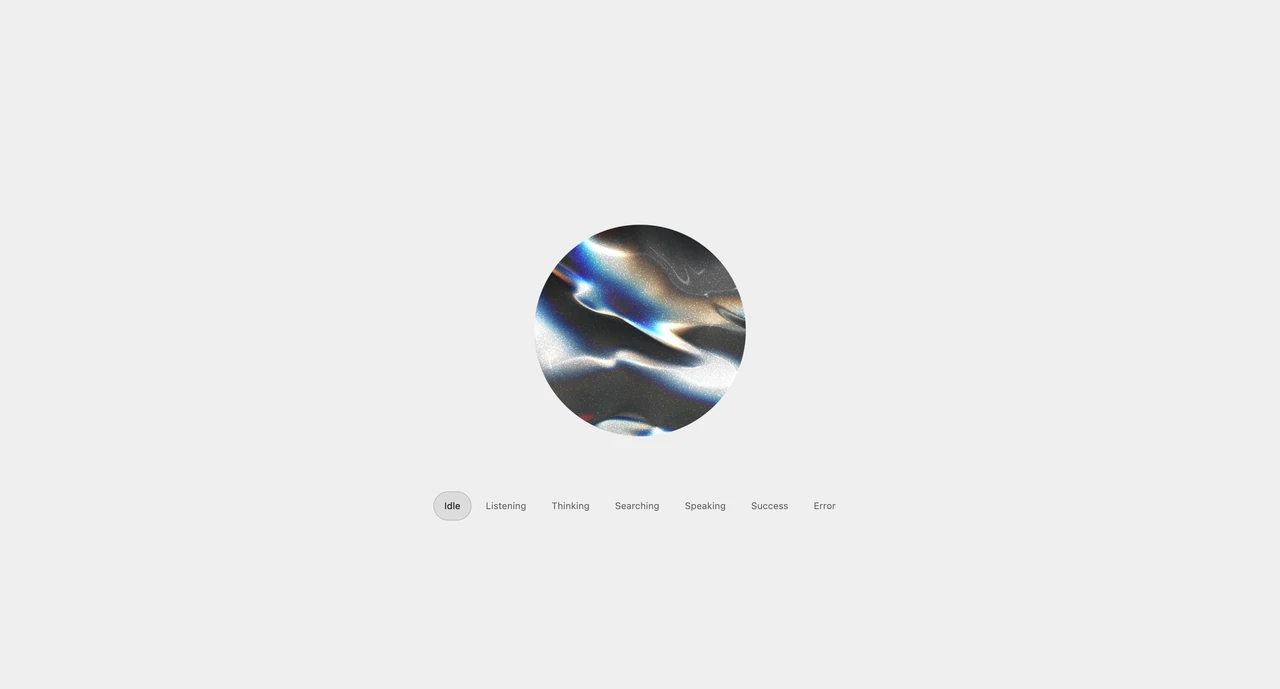
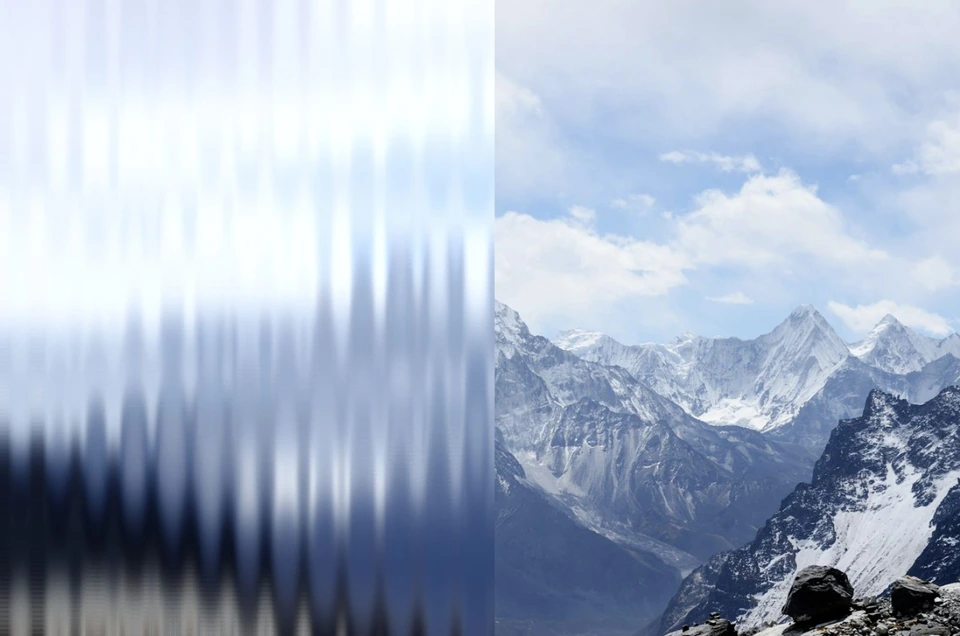
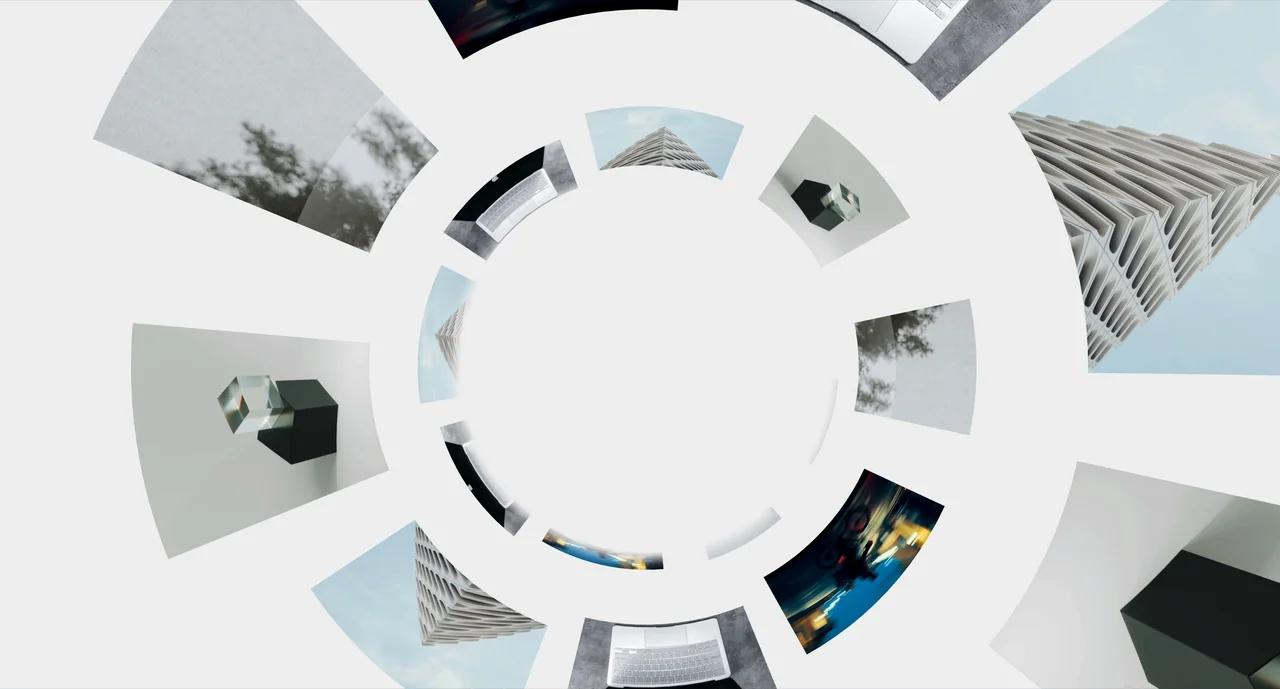
Create a striped glass effect with Gaussian blur, a custom striped texture, clipping, monochromatic noise and levels.
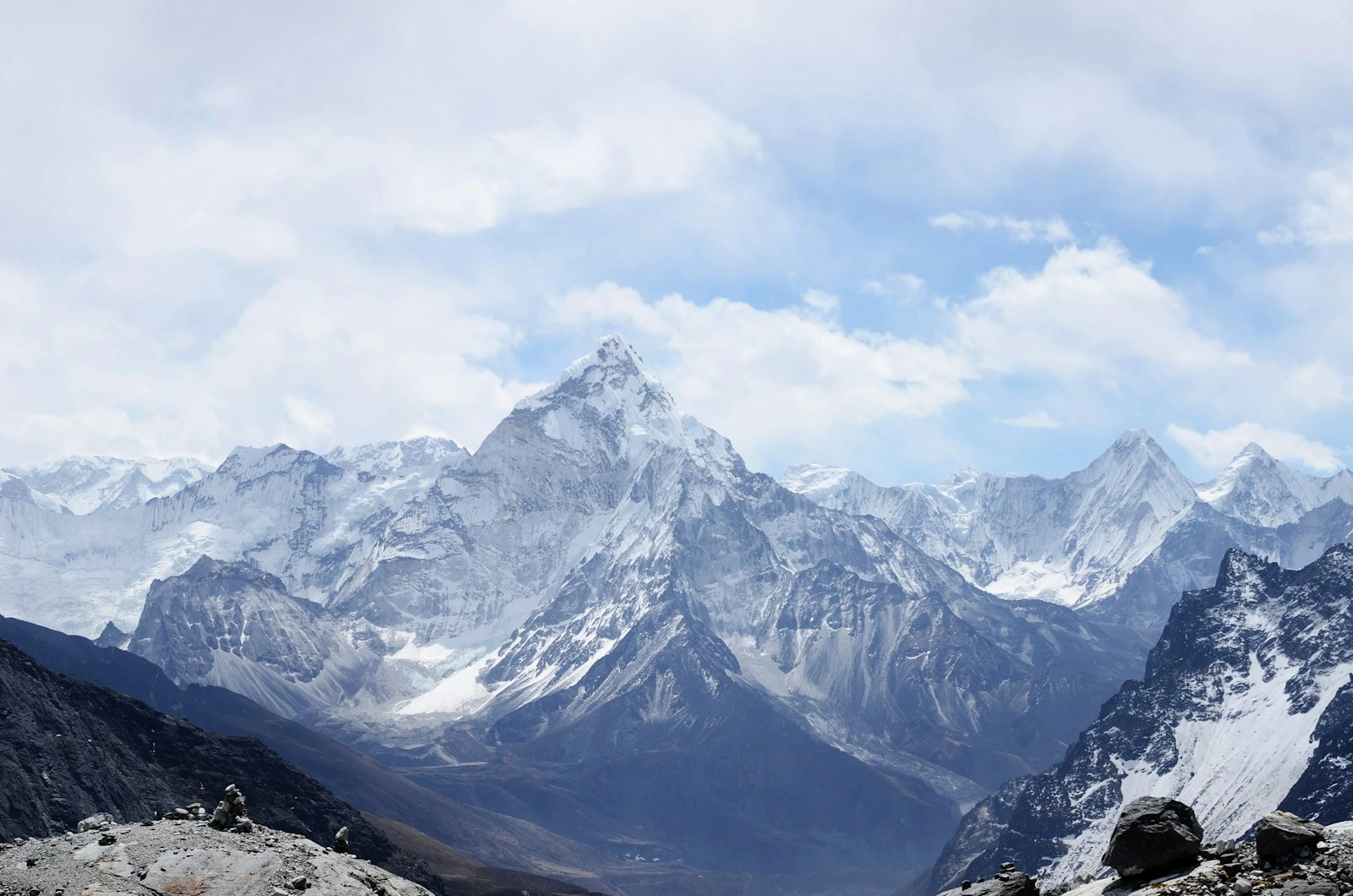
| Property | Type | Default | Description |
|---|---|---|---|
src / alt | string | required | Source image and its accessible alternative text. The image stays visible when WebGL or CORS is unavailable. |
mode | select | default | Default combines blur, striped refraction, noise and levels. Optical preserves the rounded physical glass renderer. |
smoothness | number | 7.3 | Smooth the repeated gradient texture before deriving its refracting slope. Default mode only. |
textureScale | number | 103 | Scale the repeated texture. 100% uses the base texture scale; larger values make wider strips. |
blackPoint | number | 0 | Input black point for the glass copy, after noise. Default mode only. |
whitePoint | number | 232 | Input white point for the glass copy. Default mode only. |
gamma | number | 0.78 | Adjust glass midtones after noise. One preserves midtones; greater values brighten them. |
edgeWidth | number | 0 | Optional inside stroke, scaled from a 1080px reference. Disabled by default for a clean glass boundary. |
stripes | number | 26 | Repeated gradient strips across the full image. Default 26; texture scale adjusts their spacing. |
distortion | number | 24 | Glass displacement strength. Default 24; optical mode measures displacement in CSS pixels. |
refractionBias | number | -0.1 | Orient refraction within every strip: -1 left, 0 centered, 1 right. The source is offset back automatically to keep the image aligned. Intermediate values blend directions; horizontal strips use up/down. |
blur | number | 20 | Blur the image copy before Glass. Default mode pixels scale from a 1080px reference; optical mode uses CSS pixels. |
relief | number | 1.25 | Height of the rounded flutes. Analytic surface normals guide refraction and reflections. |
refraction | number | 1.1 | Strength of source-image refraction through the rounded surface, using IOR 1.46. |
roughness | number | 0.08 | Broaden studio highlights and soften transmission from polished to frosted glass. |
reflection | number | 1.15 | Strength of the soft environment reflections mixed with image transmission. |
dispersion | number | 0.25 | Separate red and blue transmission along the refracted ray for subtle prism fringes. |
caustics | number | 0 | Concentrate or spread transmitted light where neighboring refracted rays converge or diverge. Disabled by default for clear glass. |
grain | number | 0.005 | Uniform monochromatic noise applied after Glass. Default 0.005 (0.5%); 0.02 applies 2% noise. |
coverage | number | 0.55 | Fraction covered by glass. Continuous clips freely; By stripe advances through whole divisions. Zero is clear; one covers the full image. |
coverageMode | select | stripes | Continuous preserves the free boundary. By stripe uses a hybrid of soft left-to-right sweeps within each strip and opacity controlled by Transition fade. Divisions keep independent animation clocks while dragging. |
side | select | left | Starting edge of the covered section. In Reveal on hover, Left reveals left to right and Right reveals right to left, including each strip’s sweep. Horizontal By stripe coverage uses top/bottom. |
direction | select | vertical | Choose vertical or horizontal glass flutes. |
hoverPreset | select | reveal-on-hover | Glass on hover starts clear and applies glass over the left 44%. Reveal on hover sets full coverage with Glass side Right: glass rests fully applied, hover reveals the original right to left, and recovery reverses direction by default. Both restore interaction defaults; coverage, side and recovery direction remain editable. Spread the exported fractalGlassPresets map to reuse the presets. |
hoverEffect | boolean | true | Enable hover interaction. Procedural and Transition activate inside the covered section. Circular glass activates anywhere on the image. Keyboard focus and touch taps also activate the effect. |
hoverAnimation | select | procedural | Procedural combines strip sweeps and opacity; Transition uses one global transition. Circular glass follows the pointer anywhere on the image, showing distortion only inside a soft circle, independently of coverage and Hover preset. Keyboard focus centers the circle; touch taps place and toggle it. |
recoveryDirection | select | same | Direction of glass restoration on exit from procedural Reveal on hover. Reverse reveal follows the opposite direction of Glass side; Same as reveal follows it. Explicit left-to-right/right-to-left settings work independently. Both the per-strip sweep and vertical curtain order follow the selection. Interrupted transitions blend from their current mask without resetting progress. |
hoverDuration | number | 880 | Time for each procedural strip transition or for the circular glass fade. Default 880ms; lower values move faster. Zero immediately shows the active state. |
hoverRadius | number | 120 | Radius of the circular hover in CSS pixels. It stays circular across image sizes and pixel densities. |
hoverFeather | number | 16 | Soft edge inside the circular hover, from 0 to 300 CSS pixels. Zero gives a sharp circle; larger values blend glass into the original, up to the circle radius. |
disabled | boolean | false | Show the original image and immediately stop the transition. |
transitionBlend | number | 0.5 | Mix the soft left-to-right sweep within each strip with whole-strip opacity for By stripe coverage and Procedural hover. Zero emphasizes the sweep; one uses opacity only; 0.5 blends both. |
duration | number | 570 | Duration of coverage wipes and Transition hover. Zero disables animation, including the procedural reveal. Reduced motion shows a static final state. |
ease | select | power4.out | Timing curve for coverage and both hover animations. Power4 out starts quickly and slows smoothly into place. Smoothstep retains the earlier hover curve; none is linear. Hover staggering adapts to the curve so strips remain closely overlapped. Changes keep independent clocks and current progress. |
animateEntrance | boolean | true | Fade in over 800 ms after the first complete image or frame is ready. Set false for an immediate entrance. Respects prefers-reduced-motion. |
height / borderRadius | CSSProperties | auto / 0 | By default the responsive surface has a 1.5 aspect ratio. Override dimensions and cropping through style. |
children | ReactNode | — | Sharp, interactive foreground content above the refracted image. |
maxDpr / maxPixels | number | 2 / 2000000 | Drawing buffer limits. The texture is also bounded by the GPU maximum texture size. |