Components that
make you stand out.
React components, animations, and effects. Preview them, make them yours, and bring them into your next project.
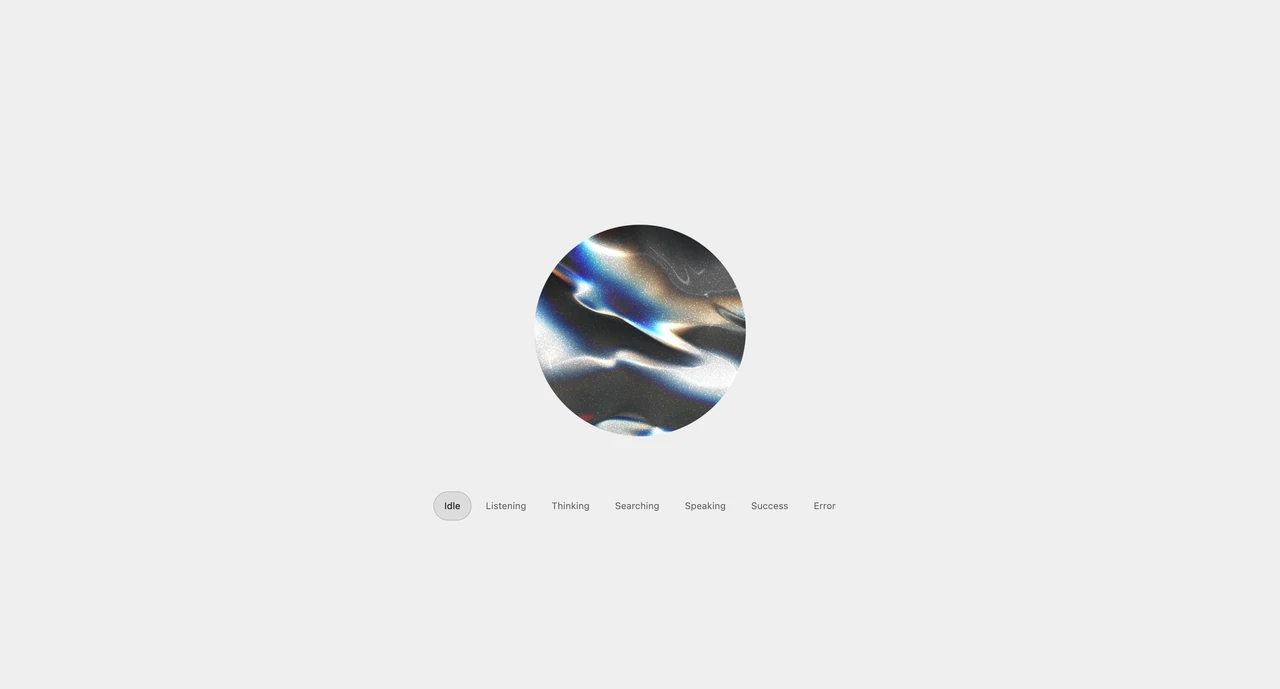
A tactile button with a soft rectangular silhouette, flowing gradients and spherically projected chromatic reflections.
| Property | Type | Default | Description |
|---|---|---|---|
speed | number | 0.7 | Speed of the moving reflections and color flow. Fixed color retains its hue. Zero freezes the current frame. |
color | string | #b126ff | Starting hue for the spectrum, fixed color, or first gradient stop. Use a hexadecimal color. |
colorMode | 'fixed' | 'gradient-2' | 'gradient-3' | 'spectrum' | spectrum | Keep one fixed tint, change the whole material between two or three selected colors over time, or use the original full spectrum. Reflections keep moving; selected colors do not form stripes. |
color2 | string | #ff177c | Second gradient stop. Used in the two-color and three-color modes. |
color3 | string | #35d3ff | Third gradient stop. Used only in the three-color mode. |
feather | number | 100 | Feather the projected source edges. Defaults to 100. |
borderRadius | number | 50 | Circular corner radius as a percentage of the shorter side. Default 50 makes a wide button pill-shaped and a square button circular. The material projection and reflections adapt to the contour. |
projectionScale | number | 174.7 | Base projection angle at the default 50% corner radius. The applied angle adapts to the rounded contour; the customizer shows that applied angle. The face uses 0.7 degrees less than the rim. |
intensity | number | 1.4 | Brightness of the colored field and edge reflections. |
grain | number | 0.105 | Fine stationary texture over the color field. Zero removes the grain. |
phase | number | 0 | Offset the starting position from 0 to 100, in steps of 0.01. Pause to inspect a particular composition before exporting. |
seed | number | 7 | Choose a reproducible variation of the gradient field. |
paused | boolean | false | Hold the current frame. Resume continues without jumping ahead. |
hoverEffect | 'none' | 'brighten' | 'flow' | 'spotlight' | brighten | Hover or keyboard focus effect: none, brighten (default), gradient flow, or follow pointer. Brighten raises the light and lifts the button by 2px. Follow pointer moves and stretches the whole button with an elastic spring return, plus cursor-following reflections. Fixed colors retain their hue; disabled buttons do not react. |
entrance | 'blur-up' | 'zoom' | 'none' | blur-up | Mount animation: blur-up (default), zoom, or none. Configure speed, blur, rise distance and starting scale in the Entrance section. Reduced motion disables the entrance. |
entranceSpeed | number | 1 | Entrance playback multiplier. Higher is faster; 1× takes 700ms for Blur + rise and 600ms for Zoom. Use Replay to preview changes. |
entranceBlur | number | 10 | Initial blur for Blur + rise, in pixels. Zero removes the blur. |
entranceDistance | number | 20 | Upward travel for Blur + rise, in pixels. Zero keeps the button in place while it fades in. |
entranceScale | number | 0.65 | Initial size for Zoom as a fraction of full size. The control displays percent; 0.65 means 65%. |
children | ReactNode | Get started | Button label or icons. Provide an accessible name for icon-only buttons. |
Native button props / ref | ButtonHTMLAttributes / HTMLButtonElement | — | Supports onClick, disabled, type, form, aria attributes, className, style and a native button ref. |