Components that
make you stand out.
React components, animations, and effects. Preview them, make them yours, and bring them into your next project.
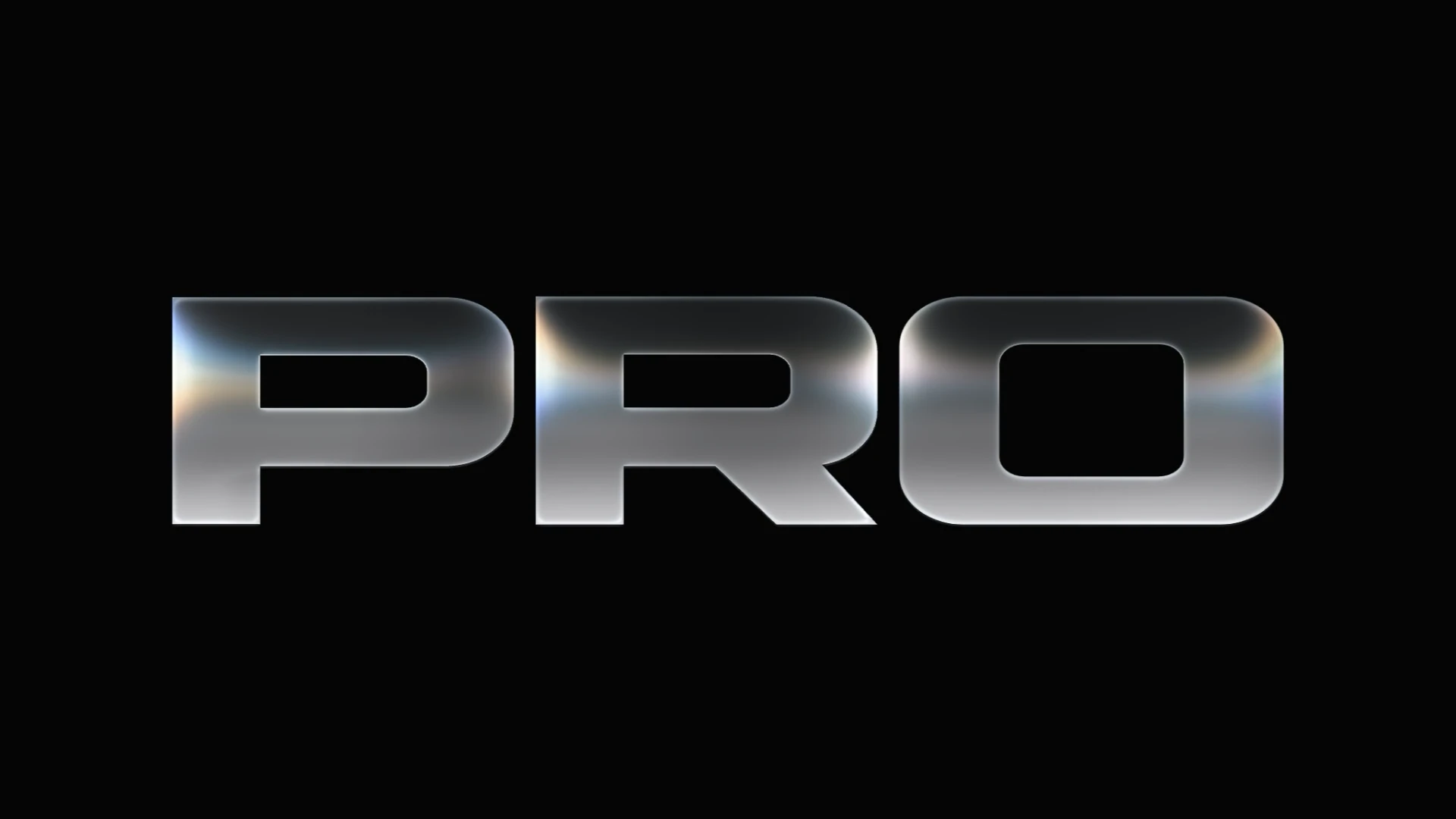
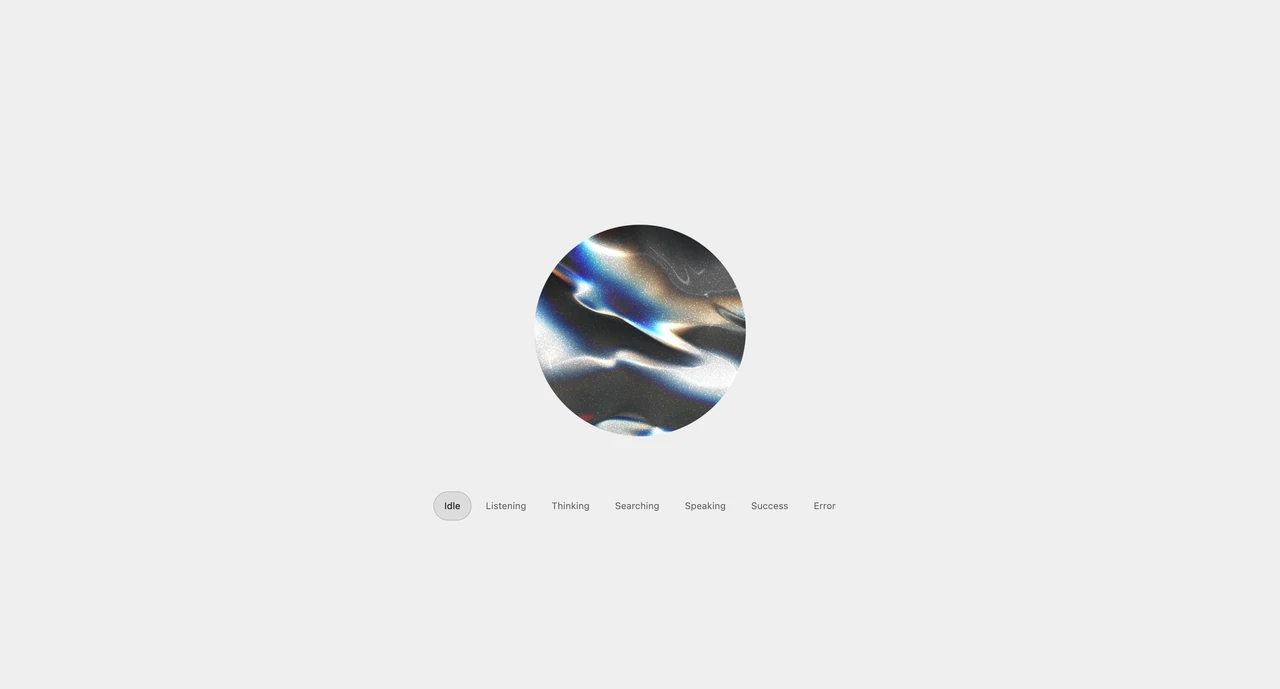
A droplet becomes a glass icon, then the glass and waves disappear, leaving the original logo on the background. The logo stays at its normal size on black. Supports custom SVG, PNG and other image logos.
| Property | Type | Default | Description |
|---|---|---|---|
logo | string | note SVG | Image URL for the tile logo: SVG, PNG, WebP or a data URL. |
logoSize | number | 256 | Glass tile edge in pixels. The logo, lens and wordmark shrink together to fit the container. |
logoScale | number | 0.72 | Logo width or height as a fraction of the plate edge. |
finalLogoScale | number | 1 | Resting logo scale. At 1, the logo holds its normal size while the glass fades. Applies to Logo only. |
tile | boolean | true | Lay the logo on a rounded icon plate. |
theme | select | dark | Light or dark page, plate and logo colors. Colors passed explicitly override the theme. |
logoRelief | number | 1 | Rounded shading on the recolored logo. At 0 the logo is flat in its color; at 1 it has full relief. Original colors are always flat. |
logoColor | string | #ffffff | Recolors the logo silhouette. Pass "original" to keep the image colors. |
tileColor | string | #060c18 | Dark surface beneath the logo lens. |
background | string | #000000 | Container background. Use transparent to sit over your own surface. |
depth | number | 1.2 | Optical depth of the glass in tile edges. Deeper glass bends and magnifies the image further. |
dispersion | number | 1 | Separation between wavelengths at the glass bevels and wordmark edges. |
relief | number | 1 | Intensity of the inset glass back face, its separate refracted image and the split highlights in the lower-right corner. |
caustics | number | 1 | Light concentrated onto the artwork at the lens shoulder. |
highlights | number | 1 | Brightness of the glass contours and reflected studio lights. |
bloom | number | 0.55 | Soft light around the glass and bright artwork edges. Keeps the white of the artwork from being overexposed. |
dropStrength | number | 1 | Curvature of the optical surface: stronger lenses pull the image further into their edges. |
echoTint | number | 0.5 | How much the faint line just outside the rim takes the plate color. At 0 it keeps its cool blue glint; at 1 it matches the plate and stays quiet on dark pages. |
innerWallFocus | number | 0 | At 0 the inner glass wall is drawn whole. At 1 it keeps to bright arcs at the upper-left and lower-right corners, which reads cleaner on a light theme. |
decay | number | 1.4 | Time for the secondary lens reflections to fade. |
speed | number | 1 | Playback rate of the glass sequence. At 1, the logo reveal lasts 1.8 seconds; the optional wordmark sequence lasts 3.3 seconds. |
loop | boolean | false | Restart after the finished artwork has held for Loop delay. |
loopDelay | number | 1.6 | Seconds the finished artwork holds before the sequence restarts. |
paused | boolean | false | Hold the current frame. |
backgroundImage | string | — | Image URL drawn behind the animation, covering the container. The plate turns see-through so the image shows through the glass. |
backgroundX / backgroundY | number | 0 | Image offsets from the center, from -100 to 100 percent of the frame size. |
backgroundScale | number | 1 | Zoom of the cover image, from 1 to 3. |
backgroundTint | string | #000000 | Overlay color between the background image and the logo. Black darkens the image. |
backgroundTintOpacity | number | 0 | Opacity of the background tint, from 0 (off) to 1 (opaque). |
maxDpr | number | 2 | Upper bound for the canvas pixel ratio. |
ref | LiquidGlassLogoHandle | — | replay(), seek(seconds), pause() and play() control the sequence. |
height / className / style | number | string / string / CSSProperties | — | Size the container; the animation fits inside it. |
aria-label | string | Logo | Accessible name for the logo. |