Components that
make you stand out.
React components, animations, and effects. Preview them, make them yours, and bring them into your next project.
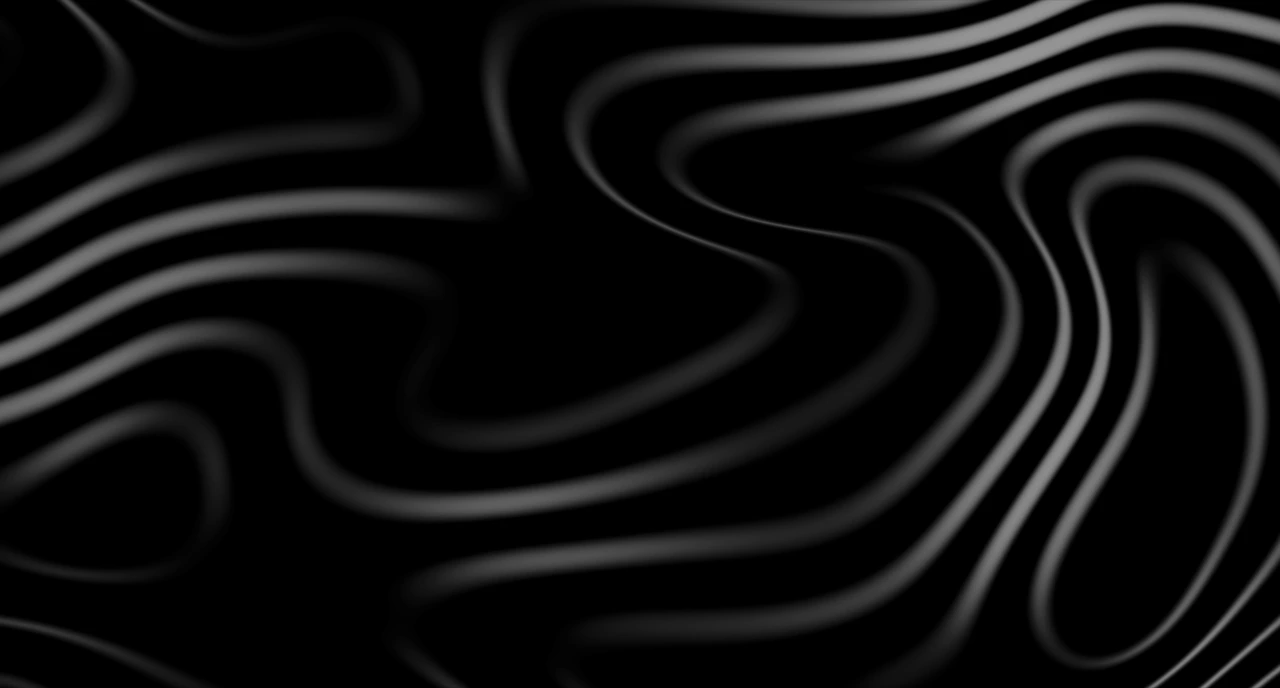
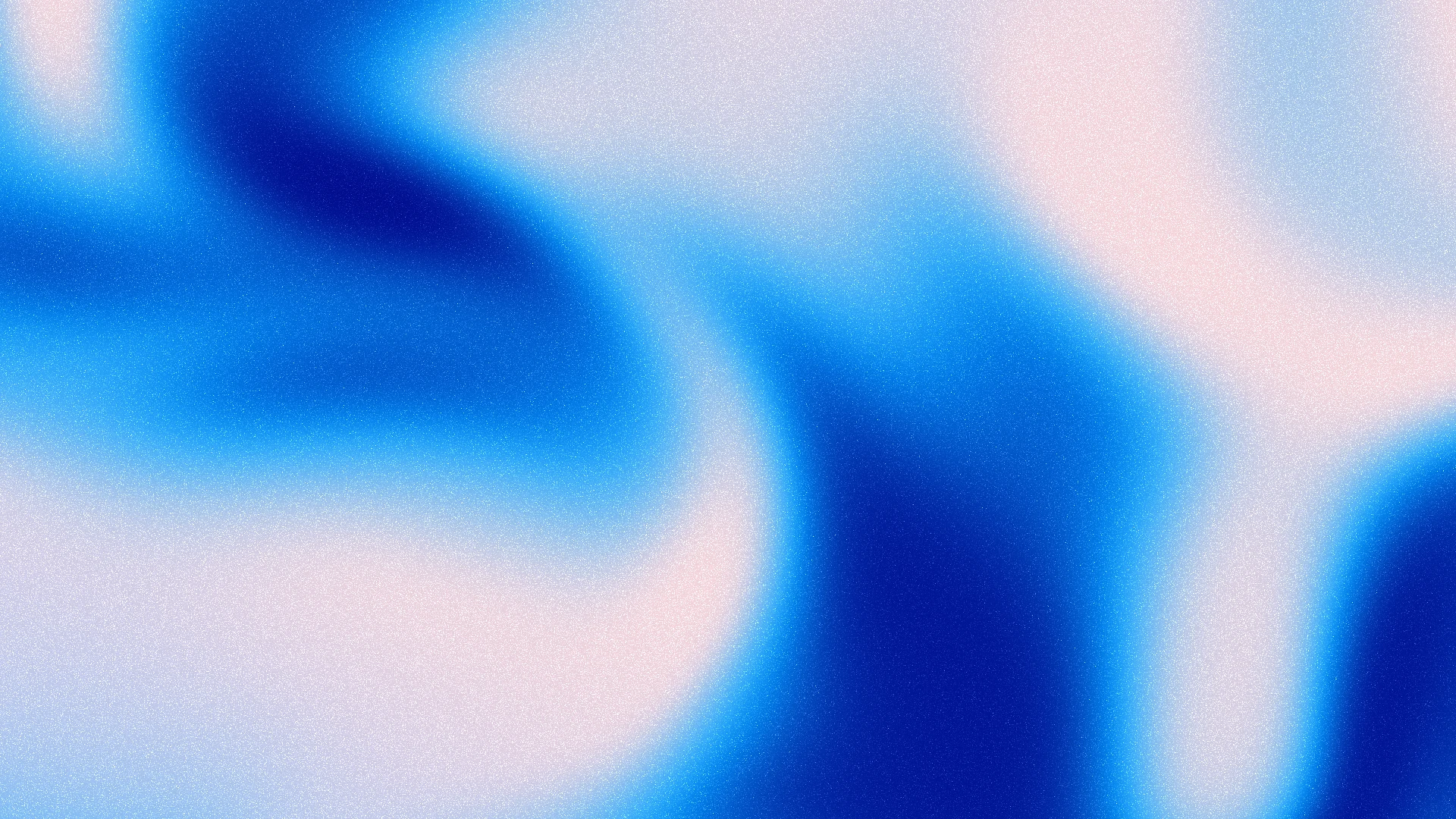
Smoothly evolving topographic contours and elevation gradients with continuous or broken survey lines.
| Property | Type | Default | Description |
|---|---|---|---|
preset | 'terrain' | 'survey' | 'aurora' | 'dune' | 'moss' | 'ocean' | 'ember' | 'relief' | 'midnight' | 'blueprint' | 'neon' | 'sunset' | 'sage' | 'graphite' | 'paper' | paper | Initial palette and contour configuration. Explicit props override the preset. |
scale | number | 480 | Larger values create broader hills and valleys. Independent of contour density. |
density | number | 5 | More elevation levels reveal closely spaced, nested curves. |
distortion | number | 2.4 | Terrain irregularity and the strength of its smooth elevation morph. |
seed | number | 42 | Reproducible terrain composition. Changing the seed creates a new map. |
lineStyle | 'solid' | 'mixed' | 'dashed' | solid | Continuous, all dashed, or a mixture with every fourth elevation level dashed. |
lineWidth | number | 1 | Uniform stroke thickness in CSS pixels for all elevation levels. |
opacity | number | 1 | Opacity of the contours over the background. |
dashLength | number | 7 | Length of each visible dash along a connected contour. |
dashGap | number | 8 | Empty space between dashes, measured along the curve. |
backgroundColor | string | #ffffff | Terrain background. Omitted Paper colors follow the site or system theme: white in light mode, black in dark mode. |
lineColor | string | #000000 | Color of the regular elevation lines. Omitted Paper colors are black in light mode and white in dark mode. |
accentColor | string | #000000 | Color of every fourth elevation level; Survey uses these for broken lines. Omitted Paper colors are black in light mode and white in dark mode. |
gradientDiffusion | number | 0 | Spread the blend between neighboring elevation colors. Higher values soften color bands while keeping the terrain and contours crisp. Relief uses 0.5; Aurora and Ember use 0.35; Ocean uses 0. |
grain | number | 0 | Fine white photographic grain with soft footprints. Cached at device resolution and fixed in screen coordinates; also textures the contour ink. Gradient presets use 0.55. |
speed | number | 1.5 | Rate of the elevation morph. Zero holds the current relief. |
hoverEffect | select | rings | How the pointer reshapes the contours: rings raises a hill with new contours (default), spread pushes them aside, swirl twists them, ripple sends waves out and drag carries them along the pointer's motion. Presets choose one. |
hover | number | 0.6 | How strongly the pointer reshapes the contours with the chosen effect. Negative values reverse it; zero disables the mouse effect. |
hoverRadius | number | 200 | Radius of the push around the pointer, in CSS pixels. |
hoverFollow | number | 0.16 | Time for the effect to catch up with the pointer, and to build when it enters. Higher values trail behind it. |
hoverFade | number | 0.8 | Time for the contours to return to normal after the pointer leaves. Entering follows the Follow time. |
paused | boolean | false | Hold the current relief without resetting its animation clock. |
animateEntrance | boolean | true | Fade in over 800 ms after the first complete image or frame is ready. Set false for an immediate entrance. Respects prefers-reduced-motion. |
backgroundImage | string | none | Optional CSS background. Presets include a static fallback; gradientColors creates the animated elevation gradient. Passing none disables the preset gradient. |
gradientColors | readonly [string, string, ...string[]] | readonly [] | [] | Two to eight colors ordered from valley to summit, with smooth blends between elevation levels. Relief uses six colors from blue to red. An empty array disables this gradient. |
children | ReactNode | — | Optional foreground content, layered above the decorative canvas. |
ref | TopographicFlowHandle | — | reset() returns the animated relief to its initial frame. |
className / style | string / CSSProperties | — | Customize the background styling. Set its dimensions on the parent container. |
Aurora and Ember use vibrant elevation colors in nearby hues over compact terrain. Ocean keeps its deep blue palette. Relief uses the full blue-to-red height palette with more contours. Gradient diffusion widens the blend between elevation colors. Colors follow the same evolving terrain height as the lines. Speed 0 freezes the relief. You can layer headings, cards or other content inside the component.